
For indie app founders
Run your SaaS marketing on Autopilot.
EzSocial learns your product from your website and makes posts for Instagram, TikTok and LinkedIn. Review and schedule your posts, and let Autopilot keep your Instagram feed going.
Make my first postFirst slideshow free. No card needed.
Demo film. The app, views, signups and payments shown are illustrative.
- Posts to Instagram, TikTok and LinkedIn
- Pause Autopilot or skip a post
- REST API + hosted MCP server
A marketing routine without the daily blank page.
Give EzSocial context about your product, review the first post, and put future posts on a schedule.
Give EzSocial the product context.
Paste your website. Check what EzSocial learns about your product, audience, and voice. Edit anything it gets wrong. You can also start with a short product description.
This usually takes under a minute.
Make a post worth sharing.
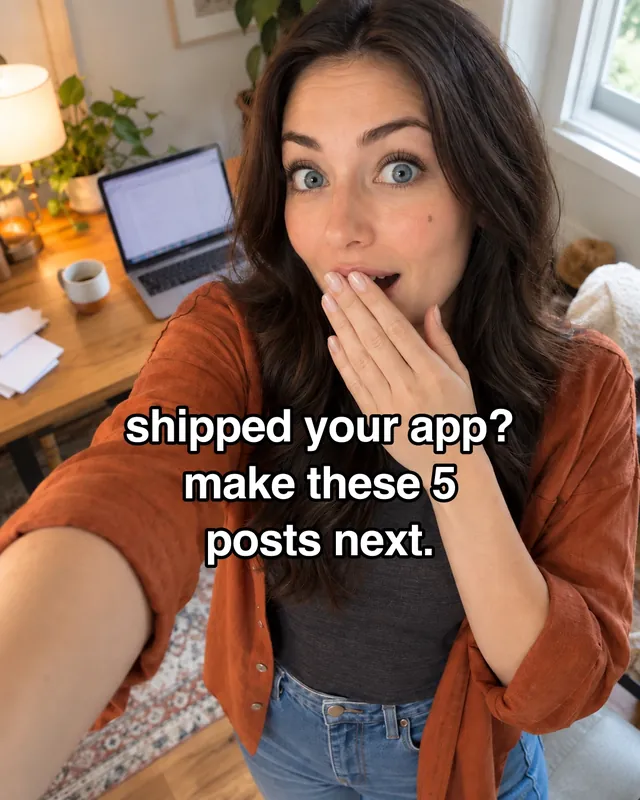
Click Make a slideshow. EzSocial picks a topic, writes six slides, and adds photos. Your draft opens so you can review or edit each slide.
Shipped your app? Make these 5 posts next.
 Hook
Hook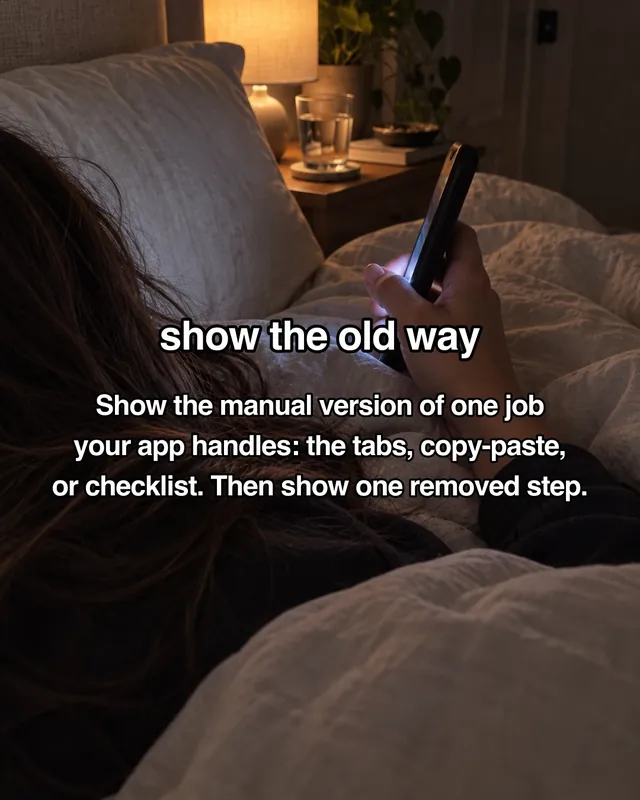
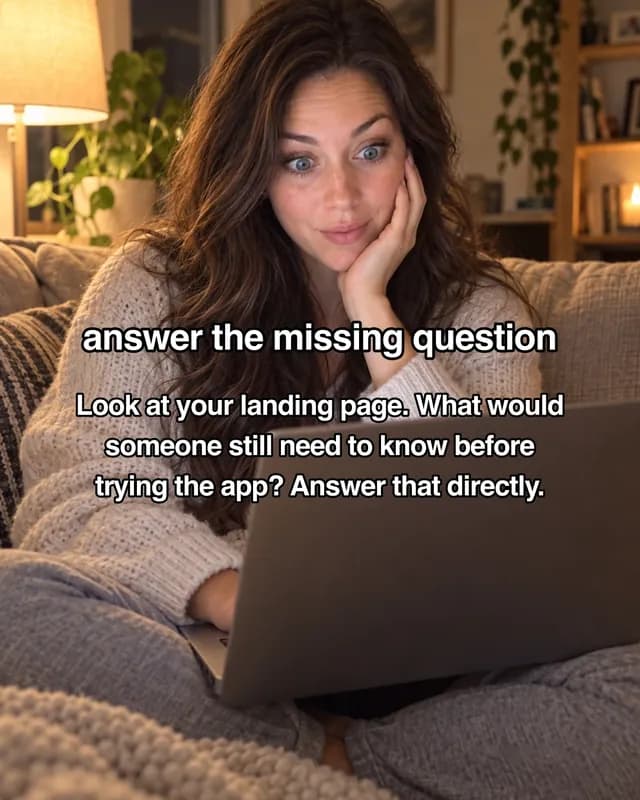
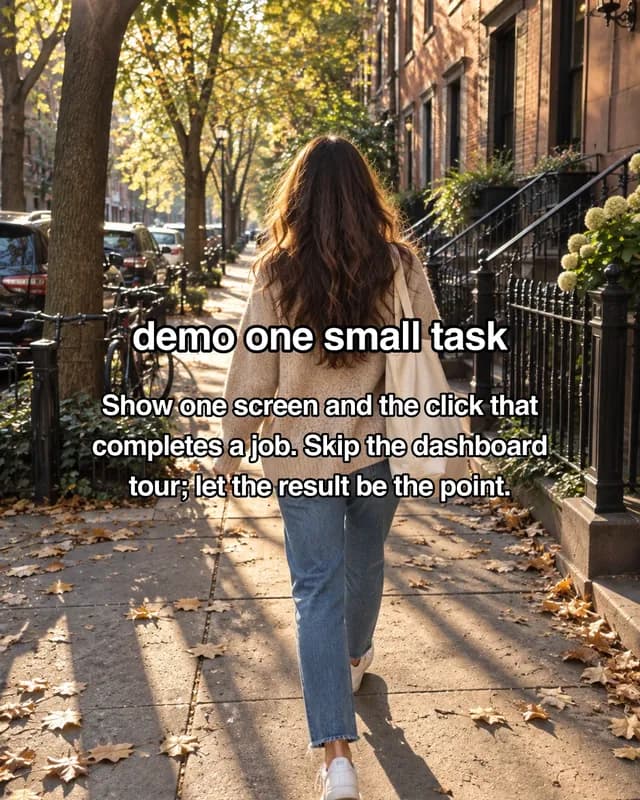
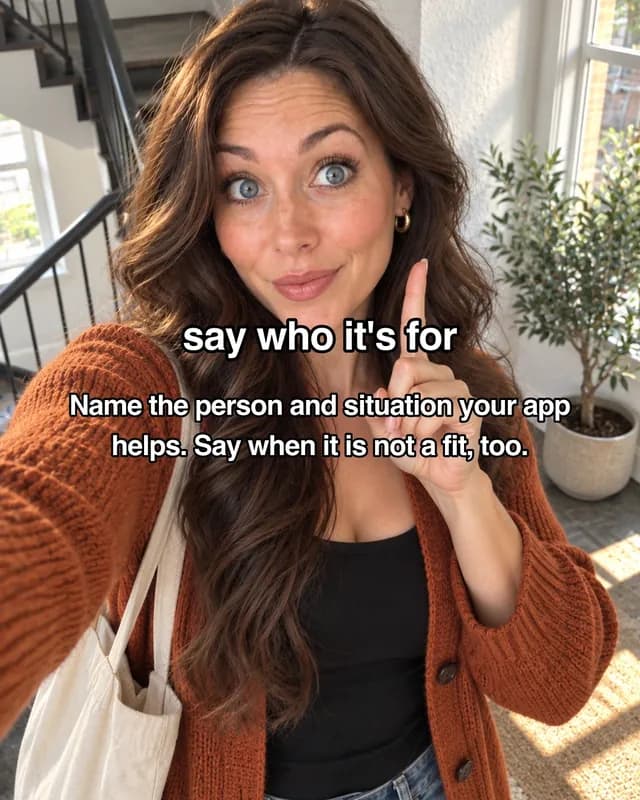
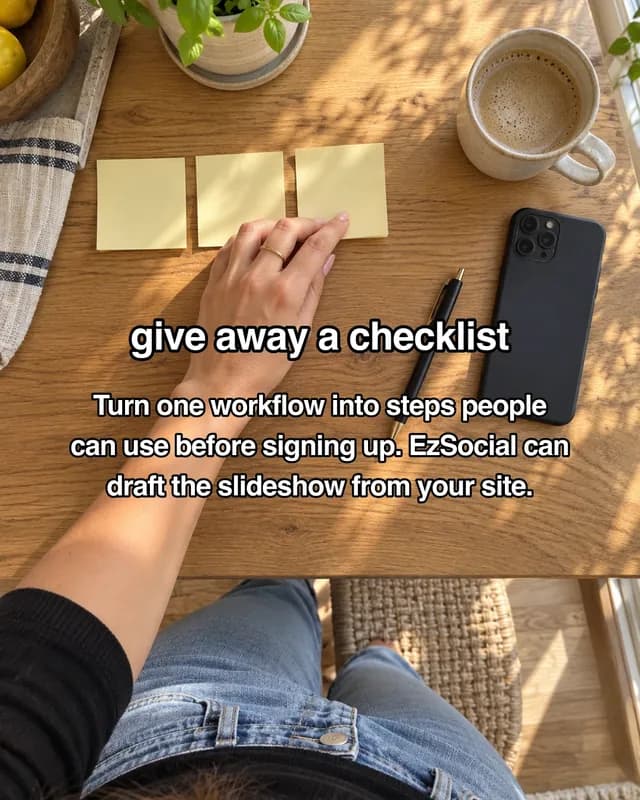
Opens as a draft. Edit any slide before it posts.
One post, three feeds.
Connect Instagram, TikTok and LinkedIn, review your post, then pick where and when it goes out. For TikTok, choose the audience, interactions and disclosures for each post before scheduling.
1/6- Instagram--:--
- TikTok--:--
- LinkedIn--:--
Run your SaaS posts on Autopilot.
Pick an Instagram schedule. Autopilot reserves dates, then makes and publishes each post when due.
- See your posting datesSee every reserved date. Posts are made near each date.
- Change upcoming postsEdit or skip posts. Pause Autopilot whenever you want.
- Get new slideshowsEach post uses your Brand DNA. Review the first one now.
Choosing dates for this month…
Tell your AI tools to post.
Claude, Codex, Cursor, and your own code can create drafts, schedule reviewed posts and manage your calendar through EzSocial. TikTok posts need your individual review and upload consent in the dashboard.
Post content from Claude
Claude
Why I built EzSocial
Omri@OmriBuildsI kept writing the same post three different ways: once for Instagram, once for TikTok, once for LinkedIn, then copying each into a different tab at a different time. The writing was never the hard part. Staying on top of three queues every day was.
EzSocial helps founders keep talking about what they built. It learns the product context, makes the first post, and gives you a place to review it. When you want a regular Instagram presence, Autopilot reserves dates, creates later posts near their publish times, and publishes them to your connected account.
If something is broken, missing, or just doesn't make sense, tell me directly.
Start with a free slideshow.
Your first slideshow is on us. Pick a plan when you want the next one.
Free
Test the waters
- No credit card required
- Instagram · LinkedIn · TikTok
- 5 posts a month, counted per platform
- Calendar and drafts
Starter
For one app or SaaS you are building
- About 18 slideshows a month
- Instagram · LinkedIn · TikTok
Growth
For founders growing several apps
- About 36 slideshows a month
- Instagram · LinkedIn · TikTok
Scale
More output for your growing portfolio
- About 60 slideshows a month
- Instagram · LinkedIn · TikTok
Questions?
Do I need a prompt or a connected account to try it?+
No. Add your website or describe your product, check the Brand DNA, and click Make a slideshow. You can choose a topic if you want. Connect a social account when you are ready to publish.
Which platforms do you support?+
Instagram, LinkedIn and TikTok direct posting are available. Your post goes only to the connected channels you select, with the audience you choose.
Does it post without my approval?+
Studio creates a draft for you to review or edit before you choose channels and a publish time. TikTok requires you to choose privacy, interactions and disclosures and consent to each post. Autopilot is available for Instagram: starting a run authorizes its future posts to publish at their reserved times. You can pause the run or skip upcoming posts; resuming does not publish missed dates.
How does TikTok posting work?+
Connect your TikTok account, review your photos or video and caption, choose who can see the post, and confirm the upload. EzSocial sends the post at the time you choose. The posting screen shows the options currently available for your account, including any visibility restrictions.
How is this different from Buffer or Hootsuite?+
EzSocial can create the slideshow as well as reserve its publish date. Studio makes a single post on demand; Autopilot fills the remaining dates of the month and makes later posts as their times approach.
Does Autopilot make the whole month at once?+
No. It reserves the remaining dates this month at your chosen cadence and creates the first slideshow right away. Later slots stay empty until they are close to publishing. That avoids paying for images weeks before you need them.
What does a month of posts cost in credits?+
Autopilot uses the Studio slideshow price for each post. The setup screen shows the current price and the total if every reserved date runs at that price. Credits are reserved for the first post when you start; later dates use credits when their posts are created. If a future post cannot be made, its slot will not publish.
What's a workspace, and how does pricing work?+
A workspace is one brand: one connected account per platform. Free includes 5 posts a month, counted per platform and one complete slideshow generation per account. Starter is $49 a month with 1,200 monthly AI credits and one workspace. Growth is $99 a month (or $990 a year) with 2,400 credits and 3 workspaces. Scale is $199 a month with 4,000 credits and 10 workspaces.
Can I manage multiple brands or clients?+
Yes, that's what workspaces are for: each brand gets its own connected accounts and calendar. Free and Starter cover one, Growth 3, and Scale 10.
What happens on day 31?+
This setup fills the rest of the current month. You can start a new month when you are ready. Your existing scheduled posts are unaffected.
Do you have an API or MCP server?+
Yes. A REST API at api.ezsocial.co and a hosted MCP server at mcp.ezsocial.co cover accounts, content, media, scheduling, publishing and webhooks. Drive it from your app, n8n, Make, or an AI agent. Full reference at /developers.
Is my data secure?+
Social accounts connect through OAuth, so EzSocial does not ask for their passwords. You can disconnect an account and revoke API keys. AI and social providers process the content needed to provide the features you choose, as described in our Privacy Policy.
Still have a question? Email support@ezsocial.co
Keep your product in the conversation.
Start with one free slideshow about your product. Review it, publish it, and keep the next ones coming on your schedule.
- No credit card to start
- Cancel anytime
- Encrypted at rest